 Lamp
Not every app with a Bible verse in it is good for your kids, and not every "kids" app is safe for kids. Before you hand over the iPad, it's worth asking a few questions. Here's the checklist I use as a pastor and a dad.
A parent's checklist for Christian apps
- Are there ads? Ads in kids' apps are aimed at your kids. The best apps have none.
- Can kids chat with people they don't know? If there's open chat, assume strangers can reach your child.
- Does it push kids to spend money? Watch for loot boxes, "gems" or coins bought with real money, and timers that pressure kids to pay.
- Which Bible translation does it use? Look for real Scripture from a trusted translation, not loose retellings that change the story.
- Is the teaching sound? Who made it, and what do they believe? A good Christian app is open about both.
- Does it point kids to Jesus? Or just to being good? The gospel is more than good manners.
- What does it ask for? Kids shouldn't need their own email or a public profile. A parent should be in charge of the account.
- Is the price clear? You should know the trial length, the monthly cost and how to cancel before you sign up.
- Will your kids actually want to play it? If it's boring, it won't matter how good the content is.
“Pay careful attention, then, to how you walk—not as unwise people but as wise—making the most of the time, because the days are evil.”
Ephesians 5:15–16 (CSB)
Set up the device, not just the app
A safe app on an open device still leaves the door open. A few minutes of setup helps a lot:
- iPhone and iPad: open Settings › Screen Time to set downtime, app limits and Content & Privacy Restrictions. With Family Sharing, turn on Ask to Buy so purchases come to you first.
- Android: Google's Family Link app lets you approve apps, set daily limits and set a bedtime for the device.
- Everywhere: keep devices in shared spaces, and charge them outside bedrooms at night.
Looking for a safer alternative to the big online games?
Many of the most popular kids' games are huge open worlds with chat, user-made content and in-game money. Kids love them for good reasons: building, running, collecting and beating a hard level. You don't have to take all of that away. Look for games that keep the fun parts and drop the open chat, the strangers and the spending.
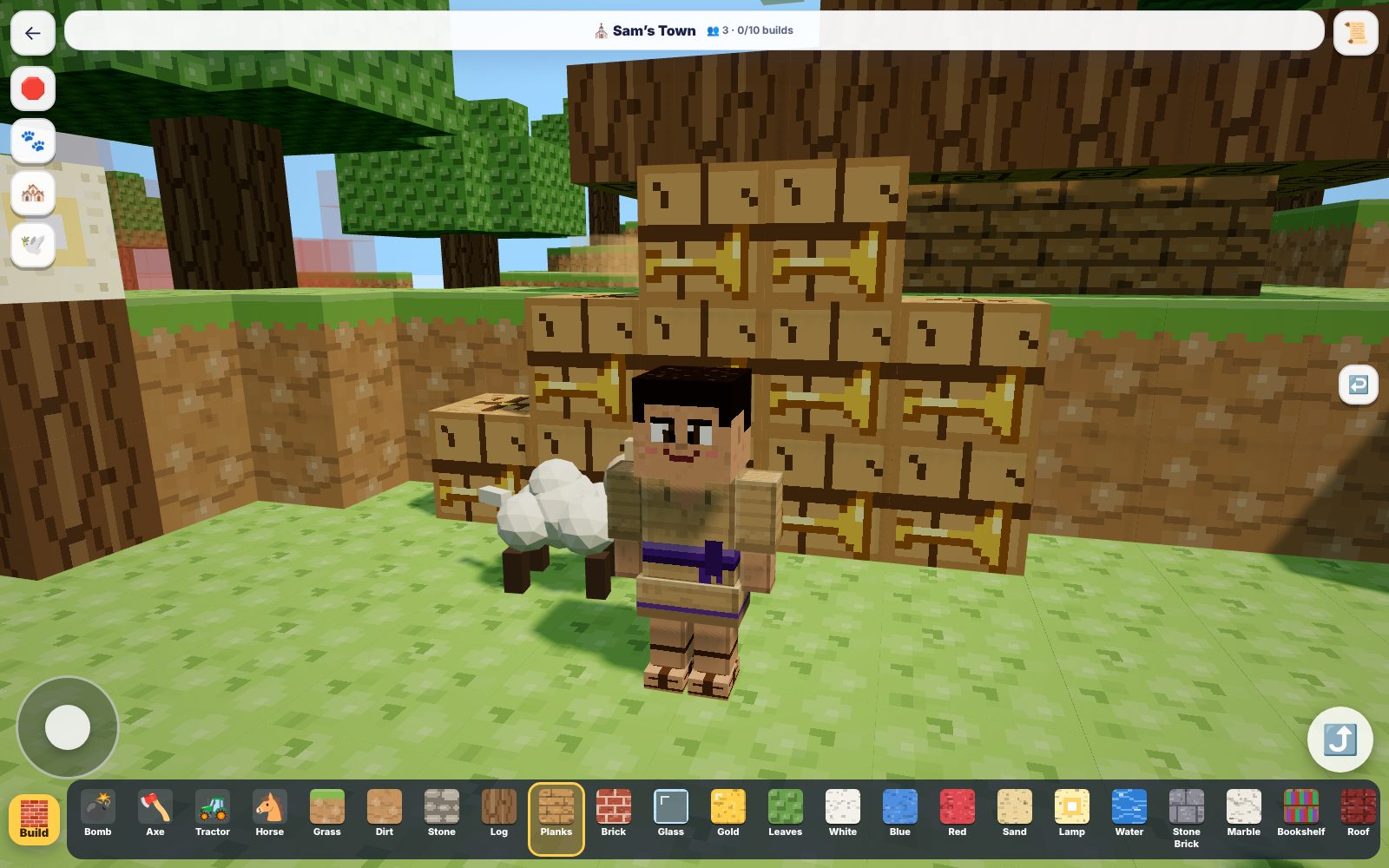
That's what we aimed for in Lamp. Kids who love building get Block World. Kids who love runners get Verse Runner 3D. Kids who love tower defense get the Valley of Elah. The difference is that every game is full of Scripture, and the only people your kids see are in your own family.
How Lamp answers the checklist
- Ads: none.
- Chat: none. Kids can't message anyone, and no one can message them.
- Spending: nothing for kids to buy. Anything about payment sits behind a grown-up check.
- Scripture: the Christian Standard Bible (CSB) in English and the NVI in Spanish.
- Who made it: Parker Manuel, a pastor and dad in Boulder, Colorado, built it for his own kids, who test every game.
- Accounts: a parent signs in with an email. Kids just pick a name and an avatar.
- Price: 7 days free, then $4.99 a month for the whole family (up to 15 kids). Cancel anytime from the Grown-ups area.
Read more about Lamp for parents.
Questions parents ask
What is the best Christian app for kids?
It depends on your child's age and what they love to play. Use the checklist above: no ads, no chat with strangers, no pressure to spend, real Scripture and sound teaching, a clear price, and games kids actually want to play. We built Lamp to pass every question on that list.
Are Christian apps for kids safe?
Not automatically. Check every app for ads, open chat and in-app purchases, and set up Screen Time on Apple devices or Family Link on Android. Lamp has no ads, no chat and nothing for kids to buy.
Is there a Christian app for kids on iPad and Android?
Yes. Lamp runs on iPad, iPhone, Android phones and tablets, and computers, and installs to the home screen in a few taps.
Is Lamp available in Spanish?
Yes. Kids can switch between English and Español. Spanish verses come from the NVI.
Try Lamp free for 7 days
Bible games your kids will want to play. Ages 5–13. No ads, no chat, up to 15 kids on one family plan.
See plans and start freeThen $4.99/month for the whole family. Cancel anytime.